Claude Code Weekly Updates (2.1.66 - 2.1.71)
Here are the Claude Code updates from March 2 - 8, 2026 that caught my attention. There were a lot of changes this week.
TL;DR
- version: 2.1.66 -> 2.1.71
- changes: 150+
- Important topics
- ultrathink keyword returns!
- v2.1.69 massive update
- /loop command & cron scheduling
v2.1.66 (1 change)
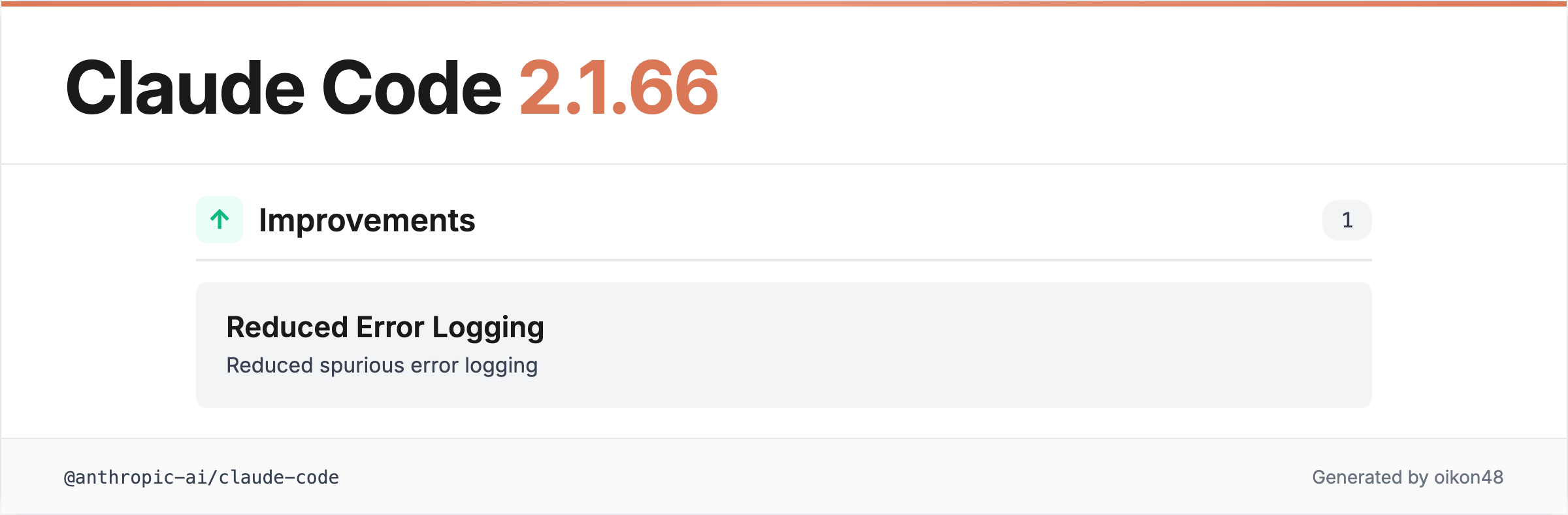
v2.1.66 only reduced spurious error logging. Nothing particularly noteworthy in my opinion.
As a side note, v2.1.64 had changes added to the CHANGELOG but they were removed a few hours later. Many of v2.1.64’s changes were carried over to v2.1.69.
v2.1.68 (3 changes)
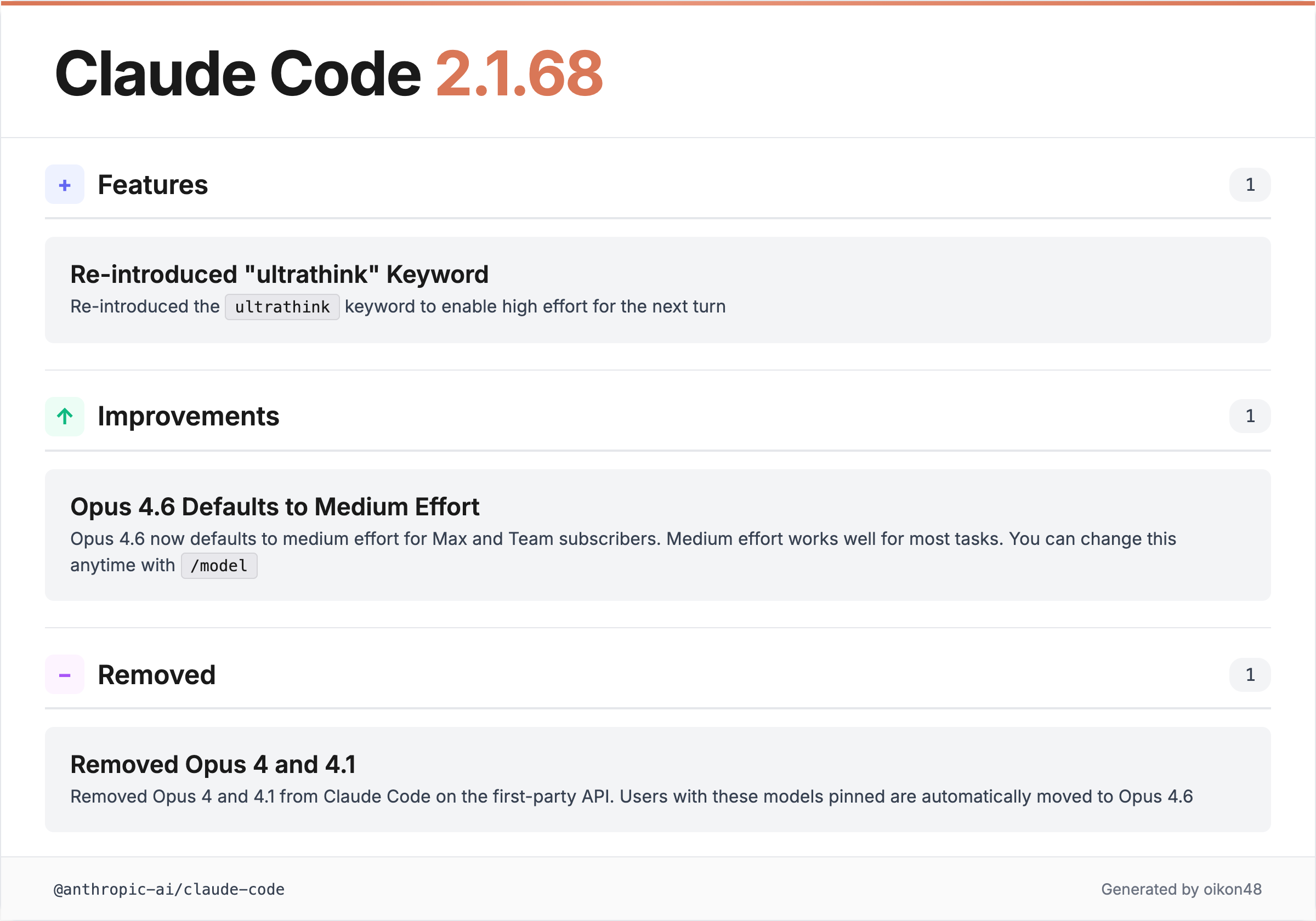
ultrathink Returns!
Re-introduced the “ultrathink” keyword to enable high effort for the next turn

The ultrathink keyword, which had been removed, is back. It enables high effort for the next turn.
This was a popular keyword among Claude Code users, so its return is welcome news.
I also mentioned ultrathink in my recent anniversary article, so I’m really happy about this. It’s truly the signature keyword of Claude Code.
Opus 4.6 Defaults to Medium Effort
Opus 4.6 now defaults to medium effort for Max and Team subscribers
The default effort level for Opus 4.6 has been changed to medium effort for Max and Team subscribers. Medium effort provides a good balance of speed and thoroughness for most tasks. You can change this anytime with /model.
A bit of speculation: with the growing number of Claude Code users, Anthropic might be looking to reduce the load on model access. If you feel Claude’s performance has dropped recently, it might be worth checking if your effort setting has been changed to medium.
v2.1.69 (~90 changes)
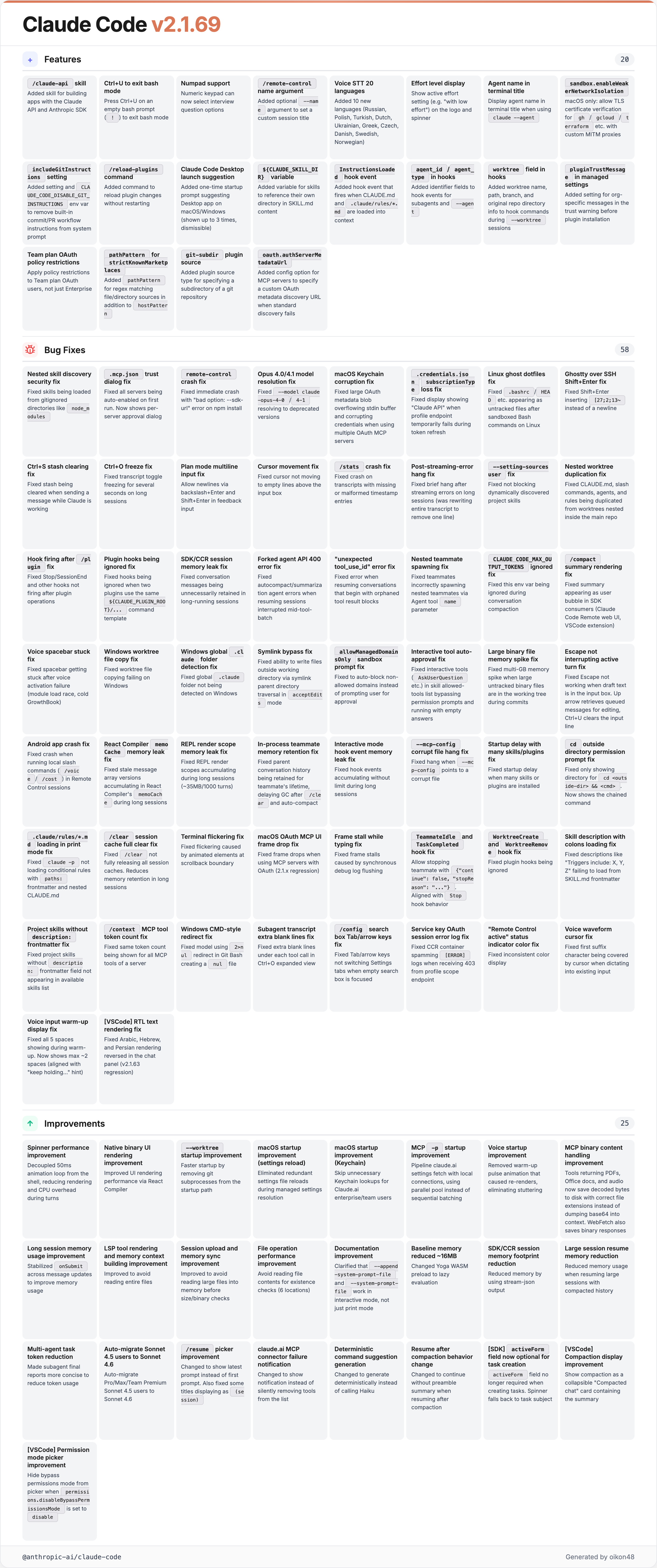
Too many. This is wild. Even the year-end release only had 108…
There are too many changes and I didn’t have time to verify this version this week, so I’ll only cover the changes that seem to have the biggest impact. If you’re curious, take your time browsing through the CHANGELOG.
/claude-api Skill
Added the
/claude-apiskill for building applications with the Claude API and Anthropic SDK
A skill to help build applications using the Claude API and Anthropic SDK has been added. This follows /simplify and /batch as another bundled skill from the Claude Code development team.
It feels like they’ve been adding more Skills (slash commands) lately.
${CLAUDE_SKILL_DIR} Variable
Added
\$\{CLAUDE_SKILL_DIR\}variable for skills to reference their own directory in SKILL.md content
A new variable that allows skills to reference their own directory has been added.
InstructionsLoaded Hook Event
Added
InstructionsLoadedhook event that fires when CLAUDE.md or.claude/rules/*.mdfiles are loaded into context
A hook event that fires when CLAUDE.md or rules files are loaded into context has been added. I’ve seen opinions that this can be useful for enterprise security auditing and customization.
Other Notable Changes
- Added
/reload-pluginscommand to activate pending plugin changes without restarting - Added
agent_id(for subagents) andagent_typeto hook events - Added
includeGitInstructionssetting to remove built-in commit and PR workflow instructions from the system prompt - Added
sandbox.enableWeakerNetworkIsolationsetting (macOS) to allow Go programs likegh,gcloud, andterraformto verify TLS certificates with custom MITM proxies - Fixed a security issue where nested skill discovery could load skills from gitignored directories like
node_modules - Fixed a symlink bypass where writing new files through a symlinked parent directory could escape the working directory
- Fixed numerous memory leaks (React Compiler memoCache, REPL render scopes, SDK sessions, multi-GB spike when committing with large untracked binaries)
- Performance improvements across spinner, UI rendering, startup time, voice, and MCP
- Sonnet 4.5 users on Pro/Max/Team Premium automatically migrated to Sonnet 4.6
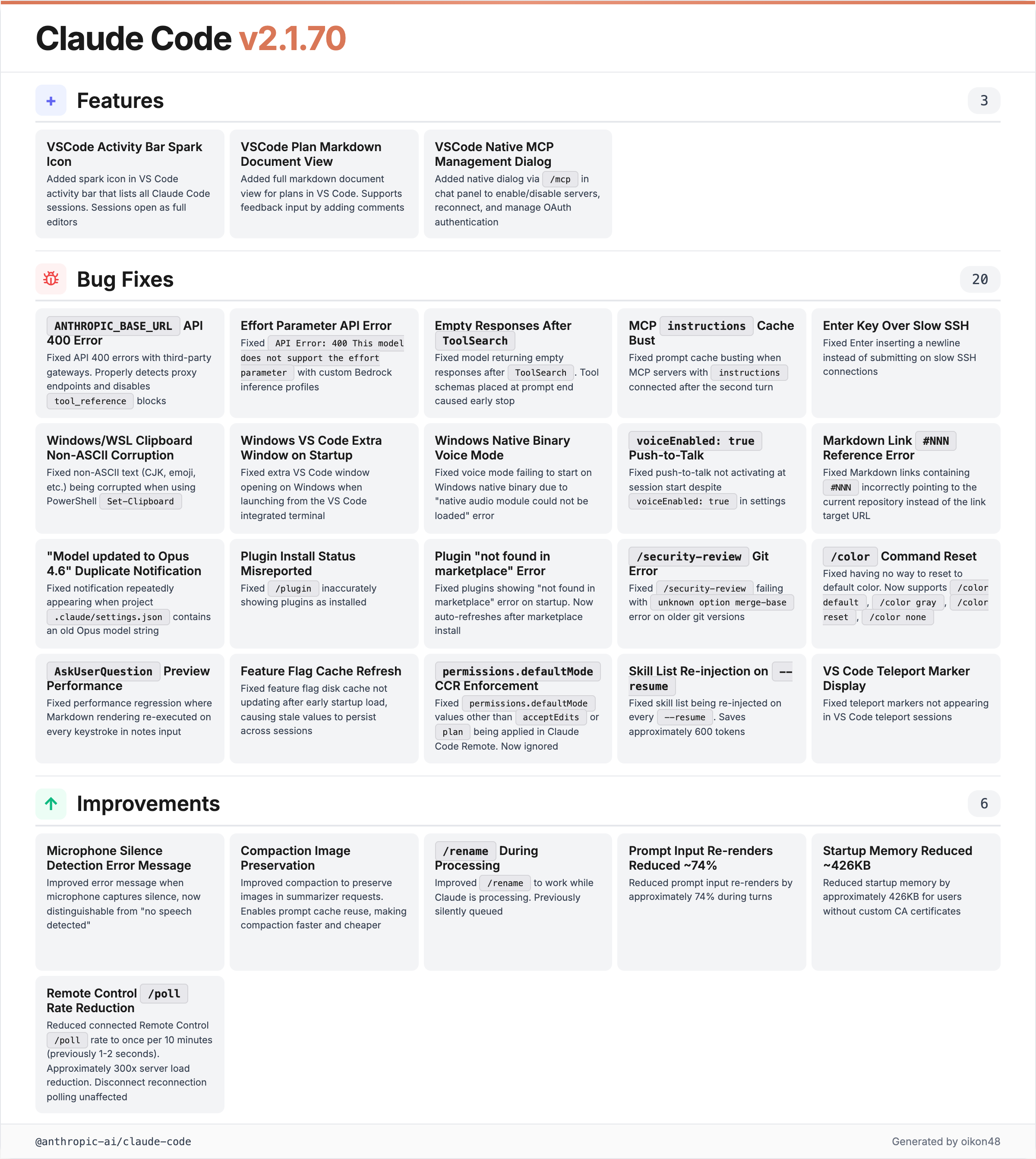
v2.1.70 (29 changes)
VS Code Extension Improvements
Three improvements were added to the VS Code extension:
- Spark icon: A new spark icon in the VS Code activity bar lists all Claude Code sessions. Sessions open as full editors
- Plan markdown view: Plans now display as full markdown documents in VS Code, with support for adding feedback comments
- MCP server management dialog: Use
/mcpin the chat panel to enable/disable servers, reconnect, and manage OAuth authentication without switching to the terminal
Compaction Now Preserves Images
Improved compaction to preserve images in the summarizer request, allowing prompt cache reuse for faster and cheaper compaction
Compaction now preserves images, enabling prompt cache reuse for faster and cheaper compaction.
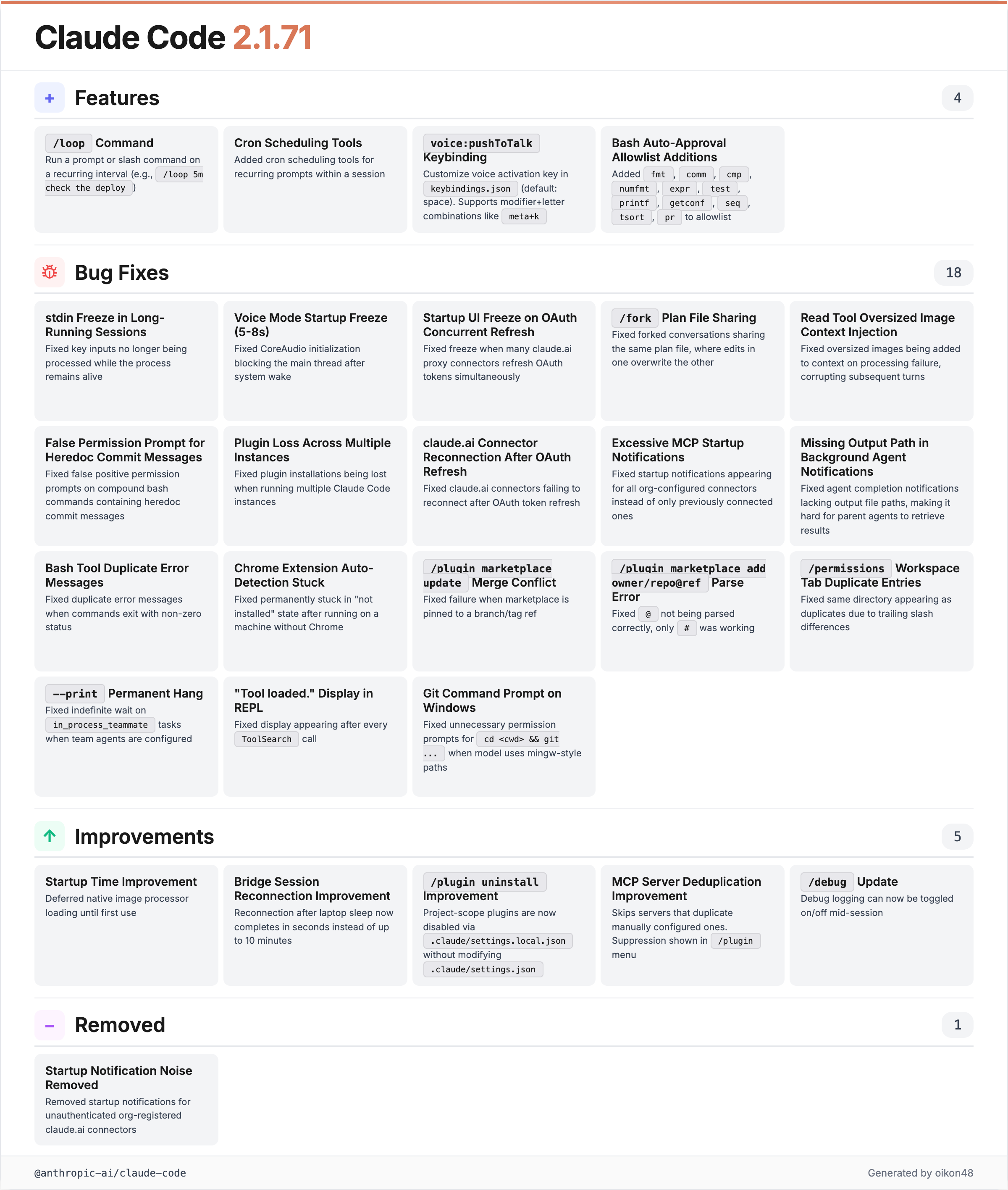
v2.1.71 (~28 changes)
/loop Command
Added
/loopcommand to run a prompt or slash command on a recurring interval (e.g./loop 5m check the deploy)
This is the highlight of this week’s changes. The /loop command lets you run prompts or slash commands on a recurring interval.
Example: /loop 5m check the deploy checks the deploy status every 5 minutes.
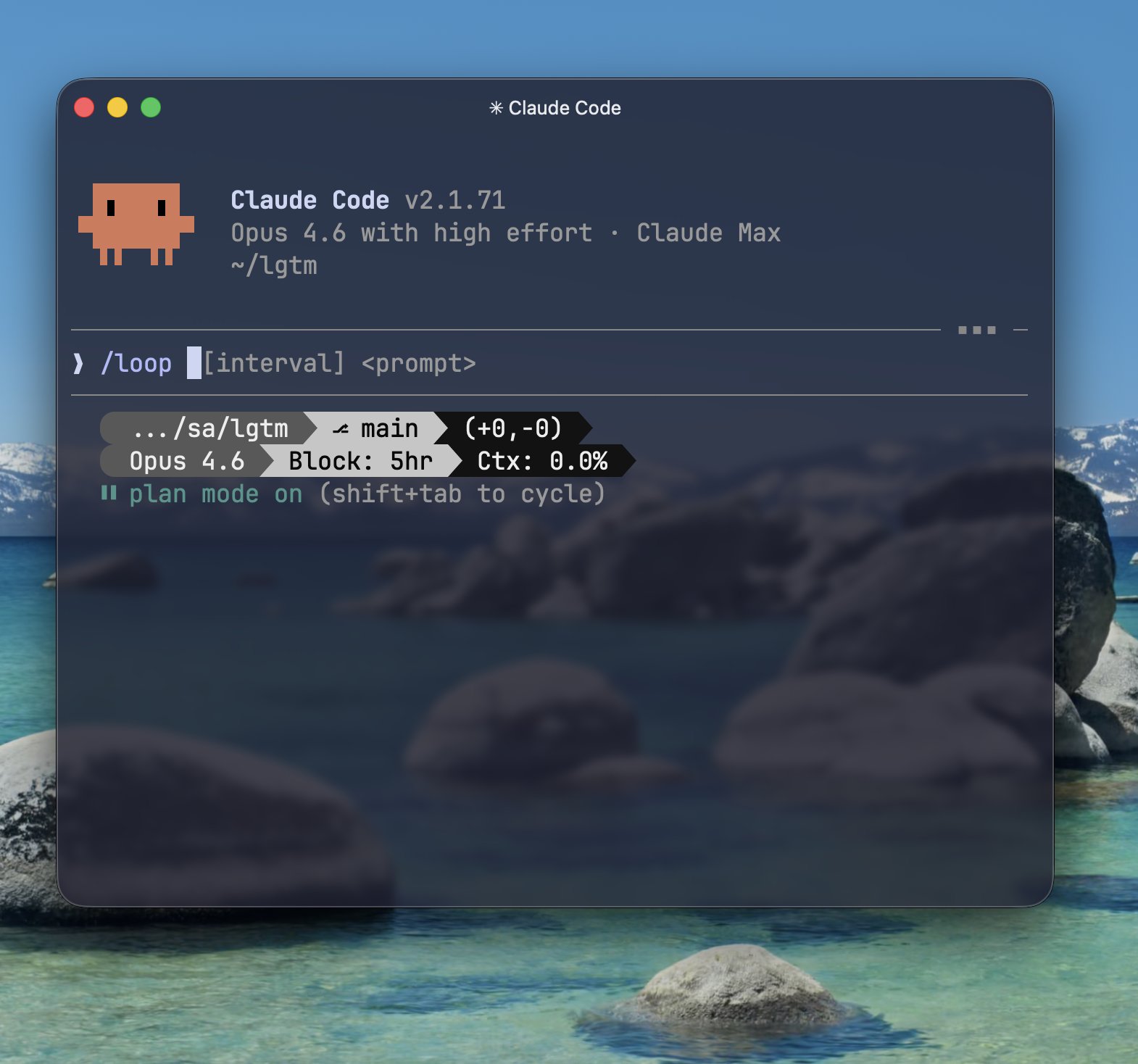
You can schedule recurring tasks for up to 3 days, with a minimum interval of 1 minute.
Tasks are session-scoped: they are gone when you exit. Tasks only fire while Claude Code is running and idle. OpenClaw, which offers similar functionality, has been gaining attention, and it feels like Claude Code has been quite aware of it lately.
Cron Scheduling Tools
Added cron scheduling tools for recurring prompts within a session
Cron scheduling tools for recurring prompts within a session have been added. These work together with the /loop command.
voice:pushToTalk Keybinding
Added
voice:pushToTalkkeybinding to make the voice activation key rebindable inkeybindings.json
The voice activation key is now rebindable in keybindings.json. The default is the space key, but you can change it to modifier+letter combos like meta+k for zero typing interference.
Other Claude Code Topics
Voice Mode /voice
Voice mode has arrived in Claude Code. Use /voice to enter voice input mode, where you can speak by holding the space bar (Push-to-Talk).
Voice input does not consume usage. Currently available to approximately 5% of users, with a gradual rollout underway.
By the way, I don’t have access to the /voice command yet as of writing this article… hurry up…
Ctrl+S Stash
The topic of stashing (temporarily saving) your prompt in Claude Code with Ctrl+S has been gaining attention, so I’m covering it here as well. This is a lesser-known but quite useful feature.
When you want to /clear the context after writing a prompt:
Ctrl+Sto stash the prompt/clearto clear the context- Pop Prompt to restore the prompt
This lets you temporarily set aside your prompt while you clean up the context. You can also check this feature through the ? help.
skill-creator Improvements
The Claude Code skill-creator has been enhanced with capabilities for testing, measuring, and refining skills.
Helpful technical article: nyosegawa.github.io
auto Mode Spotted
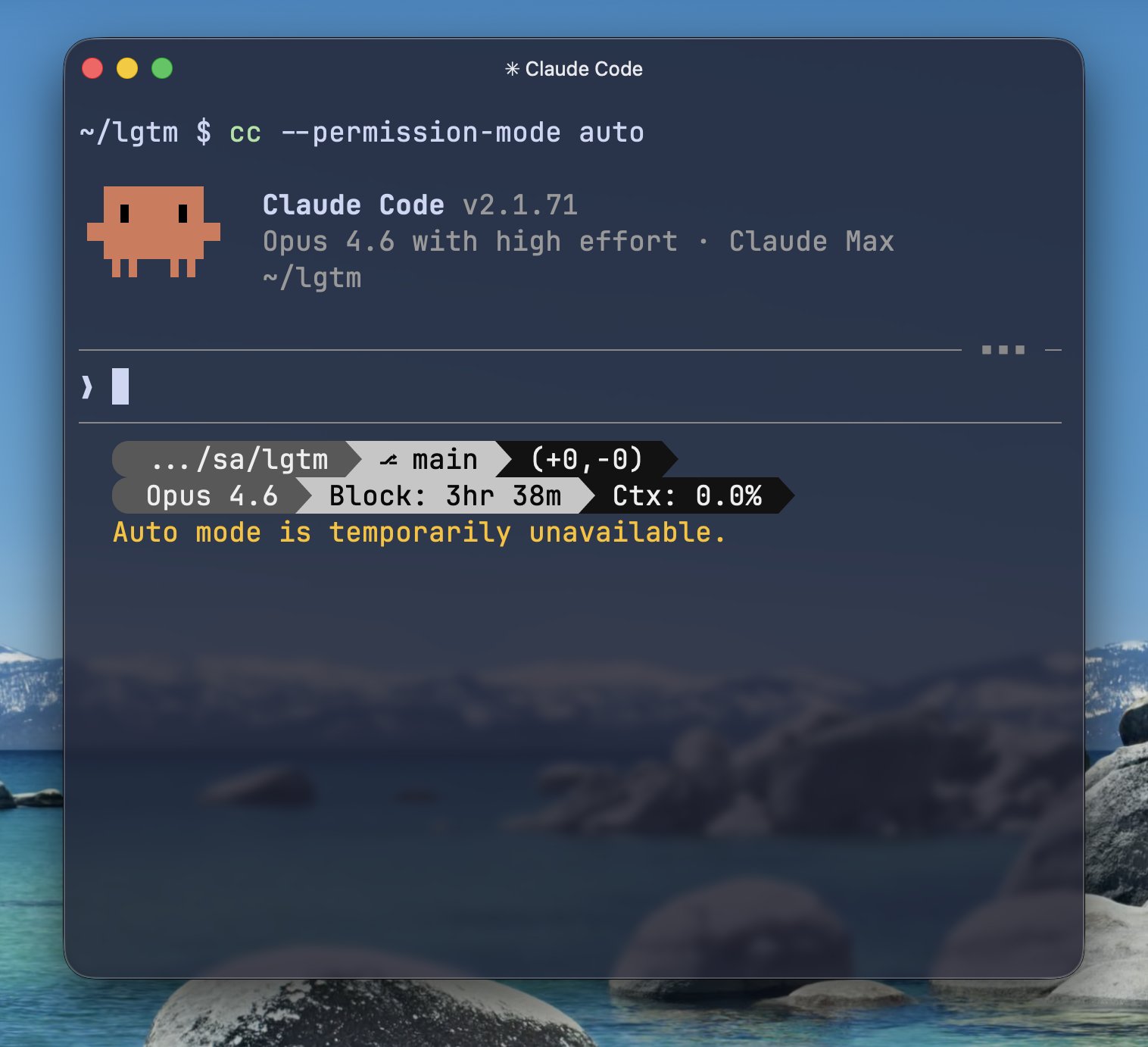
An auto mode has been found in Claude Code’s codebase. It is expected to be a safer alternative to --dangerously-skip-permissions for autonomous task execution.
It is scheduled to be available from March 12, but is not yet usable. Looking forward to it.
Closing
Welcome back ultrathink !
Thank you for reading!